
Press Play. Make the dub.
Dub Labby Think G Media
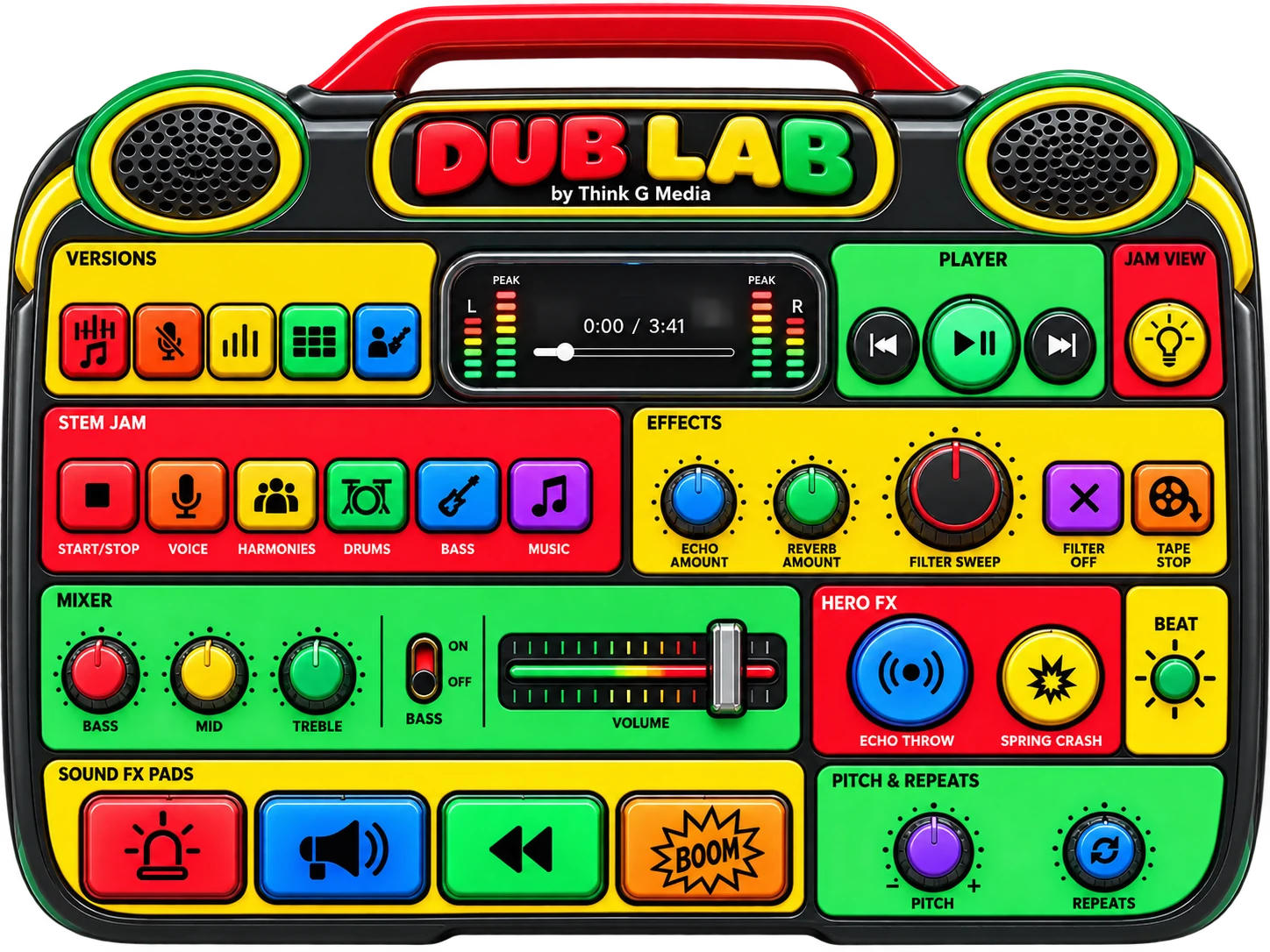
Remix "Love Dub" live, the way a sound-system engineer does: drop the band out, throw echoes, crash the spring and fire the sirens. Every button, knob and slider on the toy works.
Getting the toy ready…
The toy spins when you arrive: press Play under it to start the music and turn it to face you. After that the levers turn and tilt it, and Auto spin sets it spinning again (the Speed lever sets how fast). Hover over the toy for a closer look. Press, turn and slide its controls (double-click a knob to reset it). Keys work too: Space play, T echo throw, C crash, J Jam View.Press Play under the toy to start the music and face it. Tap a section to zoom in, then play. Hold and drag to move around. Pinch to look closer. Use the levers to turn and tilt, or press Auto spin. Double-tap a knob to reset it.
How to play
Best with headphones or speakers. Sound starts only when you press Play.

Pick a version
Full song, No voice, Dub, Riddim, or Voice and bass. Switching keeps your place in the song.
Press Play
The arrows jump to the previous or next version.
Echo throw and Spring crash
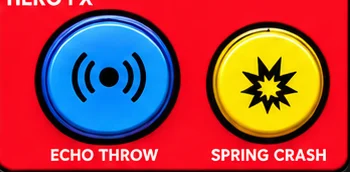
Tap Echo throw when it flashes: the band drops out and that moment echoes. Hold it for longer. Spring crash is thunder.
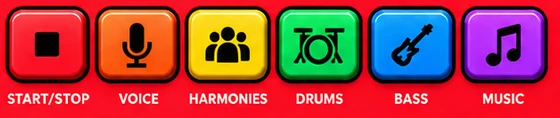
Stem Jam
A one-minute loop. Start it, then tap Voice, Harmonies, Drums, Bass and Music in and out.
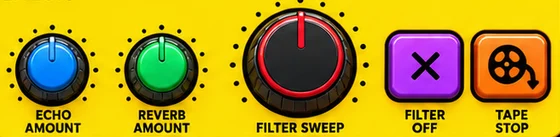
Effects
Turn up Echo and Reverb. The filter goes muffled one way and thin the other. Tape stop pulls the plug.

Mixer
Bass, Mid and Treble. Flick the bass on or off. Slide the volume; a safe limiter is always on.

Sound FX pads
Siren, Air horn, Rewind and BOOM. Pitch makes them lower or higher; Repeats sets how many times.
Jam View
The buttons light up with the music and the screen plays the Color Organ.